

Chief Architect Software: How Timber Uses 3D Renderings
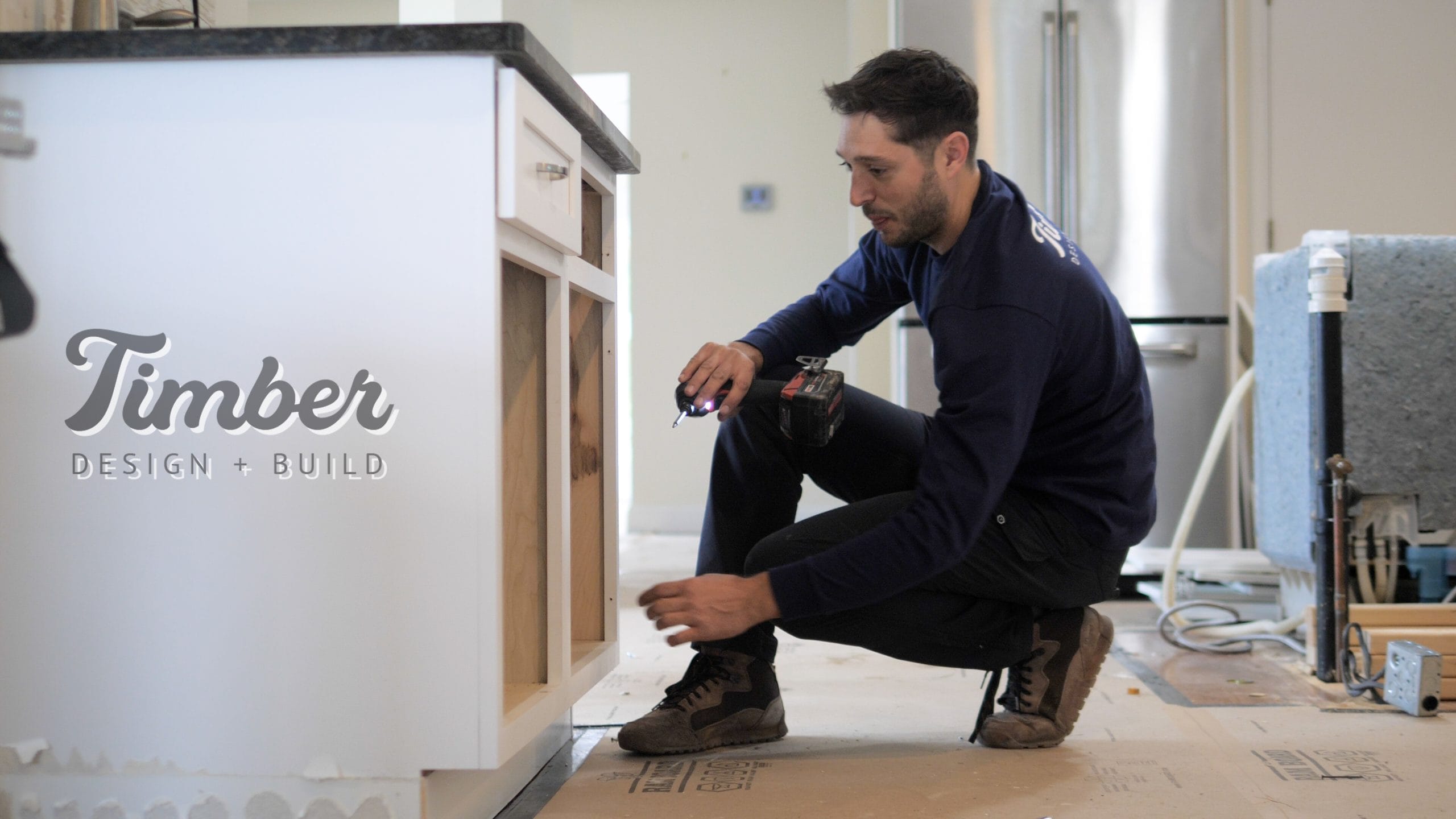
By Jeff Wiegmann, Co-Founder, Timber Design + Build
Timber uses Chief Architect Premier — professional-grade residential design software — to produce 3D renderings, floor plans, elevations, and virtual walkthroughs for every project. The renderings serve a specific purpose: they eliminate the gap between what the homeowner imagines and what the builder constructs. When you can walk through your kitchen in 3D before a single cabinet is ordered, the probability of "that's not what I expected" drops to near zero.
By Amanda Barton, Designer, and Jeff Wiegmann, Co-Founder — Timber Design + BuildWhat Chief Architect Produces
Chief Architect is not a sketch tool — it's a Building Information Modeling (BIM) application that produces construction-grade output. Amanda Barton, Timber's designer, produces the following for every project:
Floor plans. Dimensioned plans showing room layout, wall placement, door and window locations, cabinet and fixture locations, and structural elements. These are the documents the building department reviews for permits and the construction team builds from.
Elevations. Wall-by-wall views showing cabinet heights, countertop levels, tile layouts, window placement, and trim details. Elevations are how the kitchen and bathroom designs are communicated to the homeowner and the construction team.
3D renderings. Photorealistic views of the finished space from multiple angles. These show material selections in context — how the countertop looks next to the backsplash, how the cabinet finish relates to the flooring, how the lighting affects the overall feel. Multiple material options can be rendered side-by-side for comparison.
Virtual walkthroughs. Camera-path animations that let the homeowner "walk" through the space in 3D. This is particularly valuable for custom homes and whole-house renovations where spatial relationships between rooms matter.
Every Timber project includes full 3D renderings before construction begins
Call (845) 500-3002 to see examples of our design work.
Schedule a CallHow 3D Renderings Prevent Construction Problems
The most expensive decisions in construction are the ones made during construction. A cabinet layout that doesn't work, a tile pattern that looks wrong, a countertop material that clashes with the flooring — these are $5,000–$20,000 mistakes when discovered on site. In the rendering, they're free to fix. This is why Timber invests in professional design software rather than relying on sketches or basic CAD: the investment in design accuracy pays for itself many times over in prevented change orders.
The Design Review Process
During the design phase, homeowners review renderings in 2–4 rounds. Each round addresses specific decisions: Round 1 establishes the floor plan and overall layout. Round 2 develops elevations and material selections. Round 3 refines details — hardware, lighting fixtures, trim profiles. Round 4 (if needed) addresses final revisions. By the end of the design review, the homeowner has approved every visible element of the project. Homeowners across Ulster County, Orange County, and Dutchess County review designs remotely via screen share or in person at our Marlboro office.
Why Chief Architect Over Other Software
Chief Architect is specifically designed for residential construction. Unlike general-purpose CAD (AutoCAD) or commercial BIM software (Revit), Chief Architect's tools are optimized for kitchens, bathrooms, custom homes, and renovations. It produces construction documents that framers, cabinet installers, and tile setters can read directly — no translation layer required. The cabinet library alone contains thousands of manufacturer-specific options that generate accurate cut lists and installation specifications.
Material Selection in 3D
One of the most powerful uses of 3D rendering is material comparison. Choosing between quartz and natural stone for countertops? The rendering shows both options in the actual kitchen environment — not in a showroom under different lighting. Debating between two cabinet finishes? Both are rendered side-by-side in the same scene. This eliminates the imagination gap that causes homeowners to make selections they later regret. The cost of design time is a fraction of the cost of wrong material choices.
See your renovation in 3D before construction begins
Amanda's renderings have helped hundreds of Hudson Valley homeowners make confident design decisions.
Start Your ProjectFrequently Asked Questions
Do I get to keep the 3D renderings and floor plans?Yes. All design documents — floor plans, elevations, and 3D renderings — are delivered to the homeowner as part of the preconstruction deliverables. They are yours regardless of whether you proceed with construction.
How accurate are the 3D renderings compared to the finished project?Very accurate. Chief Architect uses real product dimensions, manufacturer-specific cabinet models, and calibrated material textures. The finished space matches the rendering in layout, proportions, and material relationships. Lighting conditions and natural light will differ because renderings use idealized lighting, but the spatial accuracy is within fractions of an inch.
Can I make changes to the design after seeing the renderings?That's the entire point. The design review process is specifically structured to allow 2–4 rounds of revisions before the design is finalized. Changes during design cost nothing beyond design time. The same changes during construction cost thousands in labor, materials, and schedule impact. Read about how design-build prevents this.
Does every project get 3D renderings, or just large ones?Every project. A bathroom renovation gets renderings. A kitchen remodel gets renderings. A custom home gets extensive renderings. The depth of design work scales with project complexity, but every project benefits from seeing the finished result before construction begins.
By Amanda Barton, Designer, and Jeff Wiegmann, Co-Founder — Timber Design + Build